
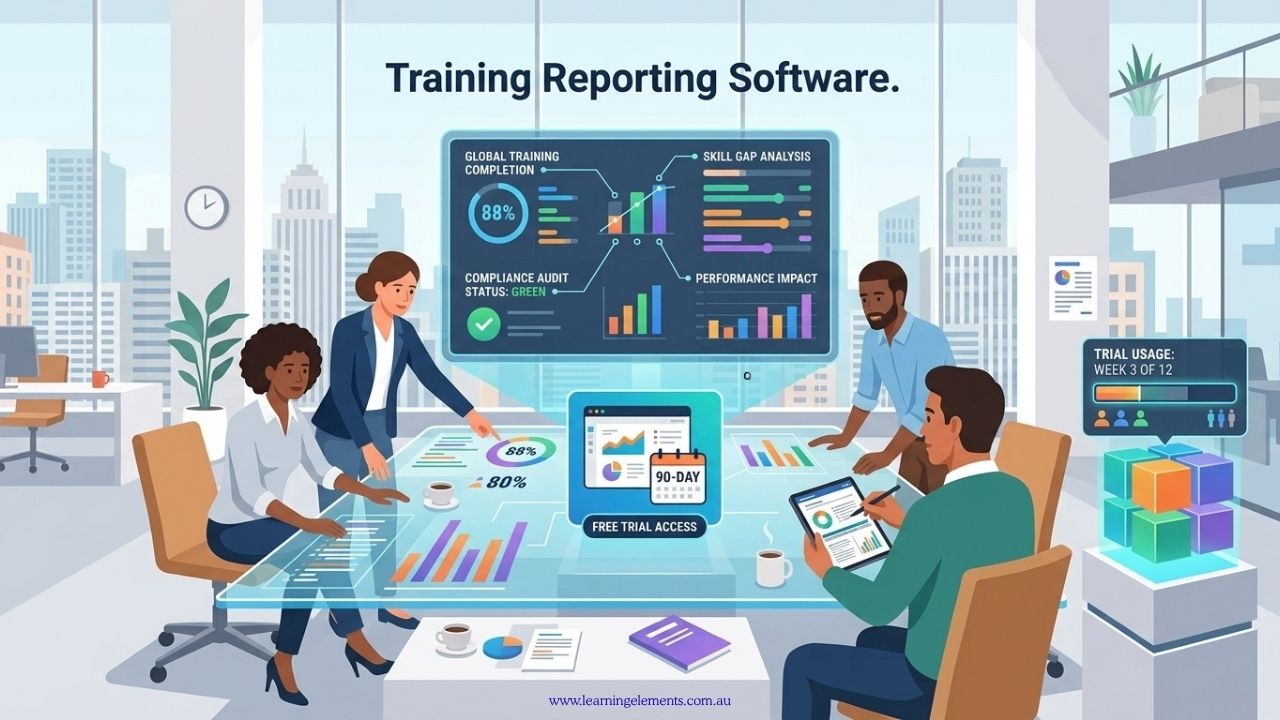
Several training reporting and management software platforms offer free trials or demonstrations that Australian businesses can use to assess their reporting features. Choosing training reporting software can be difficult when organisations cannot see how a platform works with their own training data.
A free trial can provide an opportunity to test reporting features before committing to a paid subscription. For Australian businesses, the trial period can also be used to check whether the platform suits local workforce structures, reporting requirements and existing systems.
Examples of Training Reporting Software with Free Trials or Demos
Australian businesses can compare several training management and learning management system (LMS) platforms before choosing a solution. Some offer time-limited free trials, while others provide demonstrations so businesses can review the available features before making a purchasing decision. The right option depends on whether the organisation needs internal employee training, compliance records, external course delivery or more detailed reporting.
1. Connecteam
Connecteam’s employee training software offers a 14-day free trial without requiring a credit card. Its features include mobile-accessible training courses, an AI-assisted course creation tool, progress tracking and records of mandatory training and certifications. Businesses can use the trial to assess how well the platform supports employee training and training record management.
2. Arlo Training Management Software
Arlo offers a 14-day free trial without a credit card requirement. It is designed for training providers managing scheduled courses and training delivery. Its capabilities include course scheduling, online learning delivery, customer records and training management reporting. This may suit organisations that deliver courses to external customers as well as those managing scheduled training programmes.
3. Sentrient
Sentrient provides a free demonstration of its workplace compliance, HR and governance, risk and compliance software. The platform includes online compliance training, employee and policy records, incident reporting, automated reminders and reports for audit purposes. It also supports Australian and New Zealand organisations with locally relevant compliance resources. Businesses can request a demonstration to assess whether its reporting and record management functions meet their requirements.
4. Tribal Habits
Tribal Habits is an Australian learning management system designed to help organisations create, deliver, manage and report on staff training. Its features include a course builder, editable training content, learner tracking and reporting. Businesses can request a demonstration to review the platform’s functions and suitability for their workforce. Confirm the current trial arrangements directly with the vendor, as a demonstration does not necessarily include free access to the software.
You may also want to check out MYOB Business. Though MYOB Business is not a dedicated learning management system, it should not be treated as a direct substitute for software that tracks course completion, assessments or learner progress. Its main functions include accounting, payroll options and business reporting. This may be relevant when a business is reviewing its broader reporting systems, but organisations needing detailed training records should assess a dedicated training platform separately.
Choosing the Right Option for Your Organisation
Before signing up, identify whether you need software for internal staff training, external course delivery or workplace compliance. Then compare the reporting functions, available data exports, user permissions, mobile access and integration options against your organisation’s requirements.
A free trial or demonstration can help you assess these features, but the availability of a trial alone does not establish whether a platform is suitable. Test the reports you actually need and confirm any important limitations with the vendor before committing to a subscription.
Need help deciding what your organisation requires? Talk to Learning Elements about your training reporting needs before selecting a platform.
What should you test during a free trial?
Do not spend the entire trial period creating courses. If reporting is the main reason for considering the platform, start by testing the reporting functions using the types of training information your organisation actually needs. This can help you see whether the software is suitable for your reporting process rather than simply whether it is easy to set up. A practical trial should focus on the functions you are most likely to use after purchasing the software.
Check whether you can easily produce information such as:
- Course completion
- Attendance
- Assessment results
- Training hours
- Learner progress
- Department performance
- Certification status
- Expiry dates
- Participation rates
Also check whether reports can be filtered by the fields your organisation actually uses, such as department, business unit, employee, course, completion status or certification date.
Test your real reporting requirements
Create a short list of reports that your organisation currently prepares. Using your own reporting requirements during the trial can provide a more useful assessment than relying on sample reports supplied by the vendor.
For example:
Report 1: Mandatory training completion by department
Report 2: Certifications approaching expiry
Report 3: Training hours by employee
Report 4: Assessment results by course
Report 5: Participation by business unit
Try to reproduce these reports during the trial. Check how many steps are required, whether the relevant filters are available and whether the final report contains the information your team needs.
This will give you a better indication of the platform’s usefulness than simply viewing a product demonstration. It can also help identify reporting limitations before you commit to a paid subscription.
Need help defining what your training reports should include? Learning Elements can help you identify the reporting information your organisation needs before you select or configure training software.
Discuss Your Reporting Requirements
Training software with current free options
Several platforms currently provide free access or trials.
TalentLMS currently offers a free plan supporting up to five users and ten courses, with reports and native iOS and Android applications included. However, advanced reporting features are available on paid plans, so check whether the free plan provides enough detail for your reporting requirements.
360Learning currently offers a 30-day free trial that includes access to its analytics capabilities.
Litmos currently advertises a 14-day Premier free trial and provides reporting and analytics features.
LearnWorlds currently offers a 30-day trial and includes analytics and reporting features across its paid plans, with additional reporting capabilities at higher plan levels.
Trial conditions and pricing can change, so Australian businesses should confirm the current terms directly with the provider before signing up.
RELATED READ: Who Supplies Training Reporting Tools Tailored for Small to Medium-Sized Businesses?
Check the mobile experience
If employees complete training from phones or tablets, test the learner experience on those devices. This is particularly useful if your workforce does not complete all training from desktop computers.
Check:
- Course access
- Video playback
- Assessments
- Notifications
- Progress tracking
- Offline access where available
- Report access for managers
A platform may have a mobile app, but that does not automatically mean every administrator and reporting function is available on mobile. Test the functions that employees, managers and administrators are expected to use rather than assuming that mobile support covers the entire platform.
Test the data export
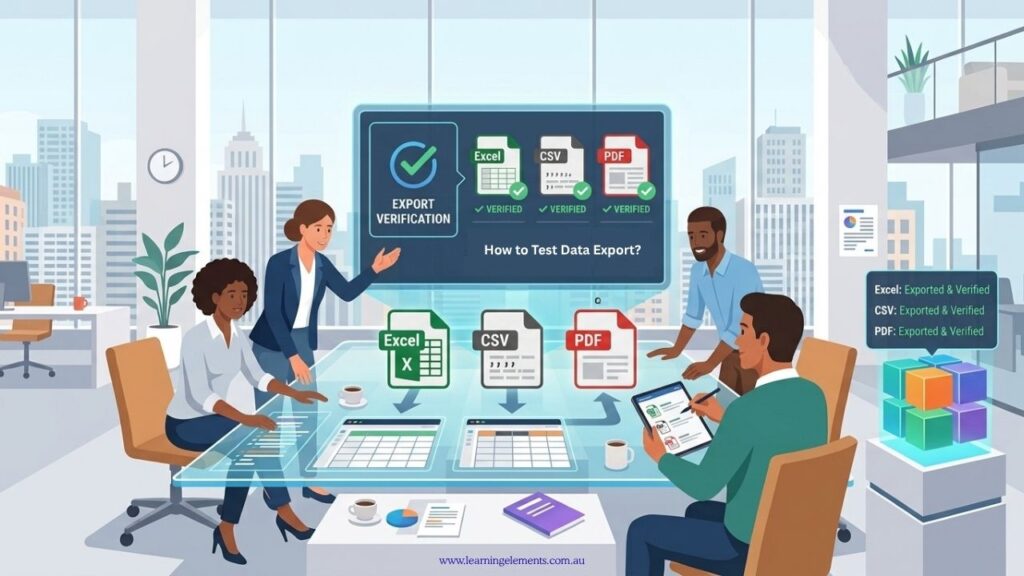
A useful question is whether you can get your data back out of the platform. During a free trial, test the export process using the reports your organisation is likely to need regularly.
Check whether reports can be exported into formats such as:
- Excel
- CSV
If your organisation uses another analytics or HR system, check whether APIs or integrations are available. Also check whether exported data retains the fields and information required for further analysis or record keeping.
Not sure which reporting and data requirements to check during a software trial? Learning Elements can help you review the information your organisation needs from its training reporting process.
Test user permissions
Training reports may contain employee information that should not be visible to everyone. During the trial, check whether the platform allows different users to have appropriate levels of access to training records and reports.
Check whether administrators, managers and other users can have different levels of access. Test the permissions using realistic user roles rather than simply reviewing the settings page.
For example, a department manager may need access to their own team’s training results but not the results of every employee in the organisation.
Ask about Australian requirements
Before purchasing, ask the vendor questions that relate to your organisation’s operational, privacy and reporting requirements in Australia.
Ask:
- Where is data stored?
- What security controls are available?
- What privacy documentation is provided?
- Does the platform support Australian users and time zones?
- Can training records be exported?
- Can the system integrate with existing HR software?
- What support is available in Australia?
The answers can help you assess whether the platform is appropriate for your organisation’s requirements. You may also need to confirm specific privacy, security or regulatory requirements with your organisation’s relevant adviser or compliance team.
RELATED READ: How to Set Up Training Reporting for Compliance Audits
How Learning Elements can help
Software is only one part of effective training reporting. Learning Elements can help organisations define reporting requirements before selecting or configuring a platform. This can reduce the risk of buying software that produces large amounts of information without addressing the organisation’s actual reporting needs.
The process can start by identifying what information managers, HR teams and other stakeholders need to see regularly. This may include completion rates, assessment results, participation, training hours, certification status and other measures relevant to the organisation.
Clear reporting requirements can also make it easier to compare different training platforms during a free trial. Instead of choosing a system based mainly on its features, organisations can assess whether the available reporting functions match their actual needs.
If you are assessing training reporting software, talk to Learning Elements about your reporting structure and requirements.
Conclusion
Free trials of training reporting software should be treated as practical tests rather than product tours. Use your real reporting requirements, test your main workflows and check how the platform handles data, permissions, exports and integrations. This gives your team a clearer view of how the software may perform in normal day-to-day use.
It is also worth testing the functions that are most important to your organisation before spending time creating large amounts of training content. If the reporting functions cannot produce the information you need, the platform may not be the right fit regardless of how easy it is to create courses.
A structured trial can also help your team identify questions about mobile access, data storage, user permissions, integrations and support before making a purchasing decision. This makes it easier to assess whether the software can support your training reporting process before you commit to a subscription.